

Random Jersey Generator
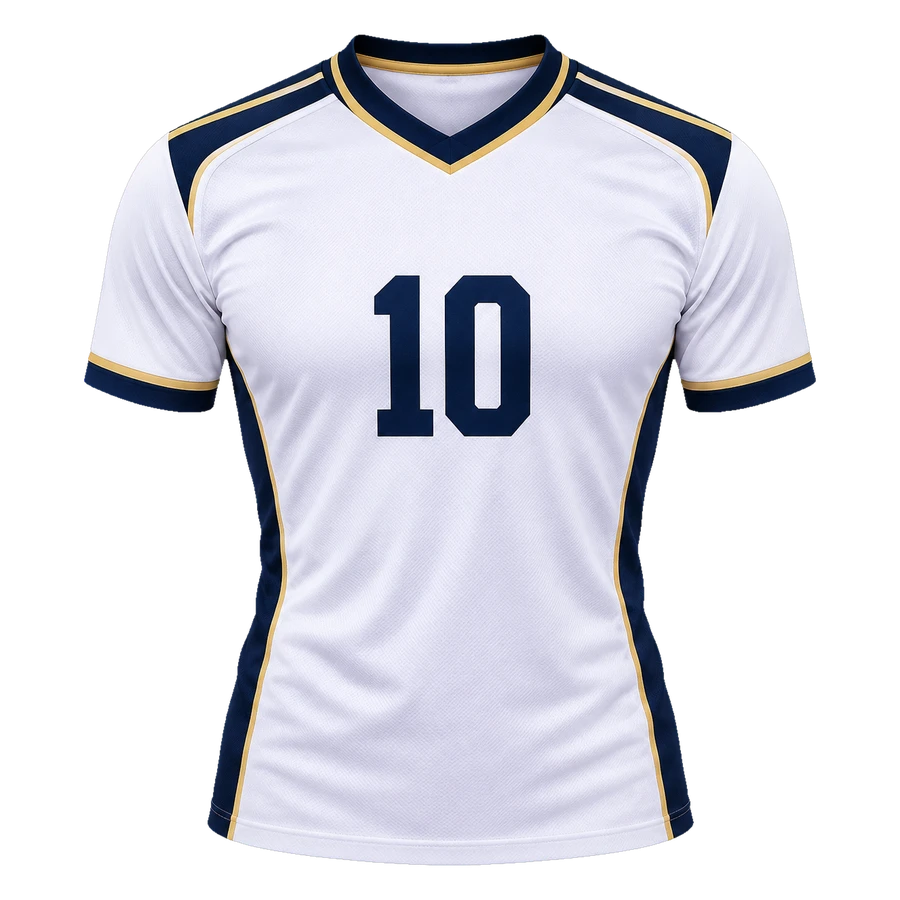
Roll a random jersey colorway, keep the ones that surprise you, and take the best idea into the AI studio.
- One click, one new palette
- Real garment render, not a flat swatch
- Keep the colorway, discard the rest
- Describe the colorway in the AI studio
Why random works for jersey design
Designers get stuck in the same three color combinations. A random roll forces a palette you would not have chosen and gives you something to react to.
Treat the result as a sketch, not a final kit. Keep the palette, then fix the contrast, the crest placement and the number size in the editor.
- One click, one new palette
- Real garment render, not a flat swatch
- Keep the colorway, discard the rest
- Describe the colorway in the AI studio
Palettes that survive print
A random palette can fail the contrast test. Check the number against the base color, then check the trim against both. If two colors sit at the same lightness, the kit will read as one blur at distance.
Warm and cool colors can work together if one is clearly dominant. Three equal colors rarely do.
From random idea to real kit
Once a colorway catches your eye, open it in the editor and set the sport, pattern, crest, name and number. The random tool only chooses the palette; the rest is yours.
Download a PNG render when the design is ready.
All jersey generators
Every generator starts from a sport-specific blank template. Pick the cut that matches your team, then describe the colors, panels, crest and lettering.
Random Jersey Generator FAQ
What you can generate and download.
Got a kit idea? Let’s draw it.
Pick a blank template, buy credits, and generate a photoreal jersey image.
Start designing